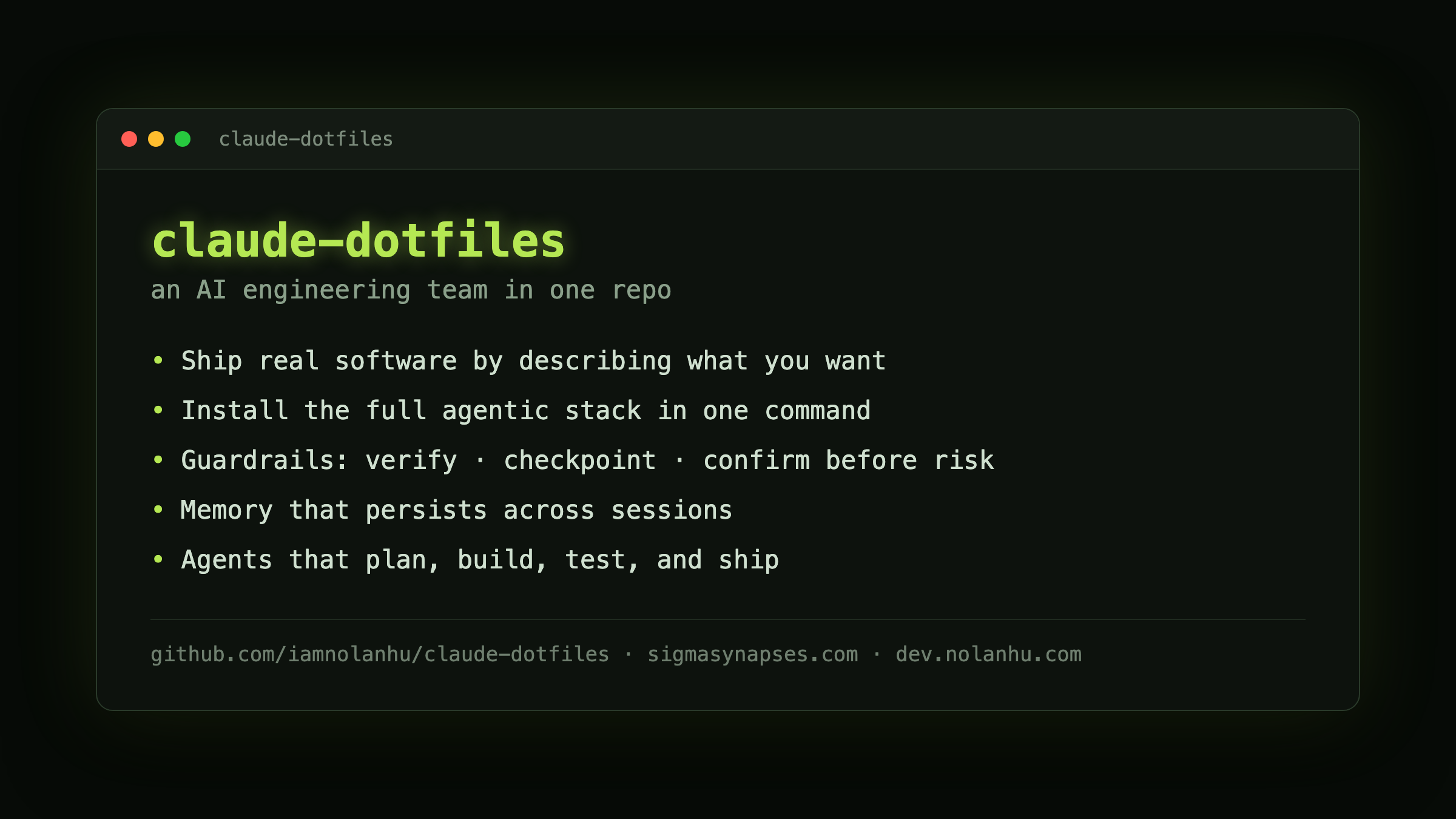

Claude Dotfiles
Portable Claude Code config you clone once and carry everywhere. One repo holds the persona, the plugins, the MCP wiring, and the profiles, so a fresh machine becomes a working setup in minutes.
Overview
This is my Claude Code setup, packaged so it survives reinstalls and moves between machines. It assembles a CLAUDE.md from a generic base plus a desktop or VPS profile, wires up MCP servers, and installs the plugin set I actually use. The base is generic and the personal bits live in a gitignored overlay, so the repo stays public and clean.
Verified counts at the time of writing: a 15-plugin core, 30 plugins on the desktop profile, 20 on the VPS profile. Two profiles, same opus model and hooks; the VPS profile drops browser tooling and adds docker and systemctl permissions.
Why It Exists
I move between a laptop and a few servers, and re-deriving a good Claude Code config by hand every time is wasted work. Putting it in one repo means the setup is a single source of truth: edit the base or a profile, run the updater, and every machine converges on the same behavior.
What You Get
- Two profiles - desktop and VPS, each with its own plugin and permission set
- Assembled CLAUDE.md - base + profile + gitignored personal overlay, so nothing private leaks into a public repo
- MCP wiring - servers configured by name, with keys referenced as env vars, never hardcoded
- Plugin set - the 15-plugin core plus profile extras, installed for you
- One-command setup -
./setup.shasks the profile and a couple of preferences, then assembles everything;./setup.sh updatereassembles after edits
Quick Start
# Clone the repository
git clone https://github.com/iamnolanhu/claude-dotfiles.git
cd claude-dotfiles

# Run setup (asks profile + preferences, assembles CLAUDE.md, configures MCP)
./setup.sh

# After editing base/ or a profile, reassemble
./setup.sh update
Ask the AI to set it up
You do not have to run the commands by hand. Open Claude Code in the cloned folder and ask it to set this up. It reads the repo, picks the right profile, runs the setup, and confirms what it did. Asking the AI tends to beat copy-pasting a script, because it can check its own work as it goes and catch the small mistakes a blind paste would not.
The manual ./setup.sh path above still works the same way. The ask-the-AI option just sits alongside it.
Give it your own API tokens so it actually runs the work
Drop your own API tokens into ~/.claude/.env (GitHub, DigitalOcean, Vercel, and the like) and Claude stops being only an author and starts being the operator. With your keys in reach it can run the build, commit, open PRs, deploy, and provision servers, not just write the code that would do those things.
One caution, said once: only give it tokens you are comfortable letting it use.
How Sigma Synapses Uses It
At Sigma Synapses this config is the spine of how I ship. I run a monorepo with isolated .worktrees per workstream, so parallel work never clobbers a shared tree. Custom shipping skills handle the routine: /implement-feature, /fix-bug, /add-migration, /create-pr. Merges auto-generate a changelog, the design system blocks hardcoded colors at review time, and postmortems are part of the loop rather than an afterthought.
The point of all of it is to let one person ship, run production, and talk to clients without dropping any of the three. I ship real client work this way.
Links
- Repo: github.com/iamnolanhu/claude-dotfiles
- Write-up: Ship Like a Team of One