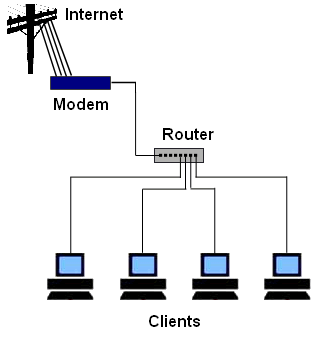
Router Security Basics
This content is from 2011. Router interfaces and security best practices have evolved significantly since then.
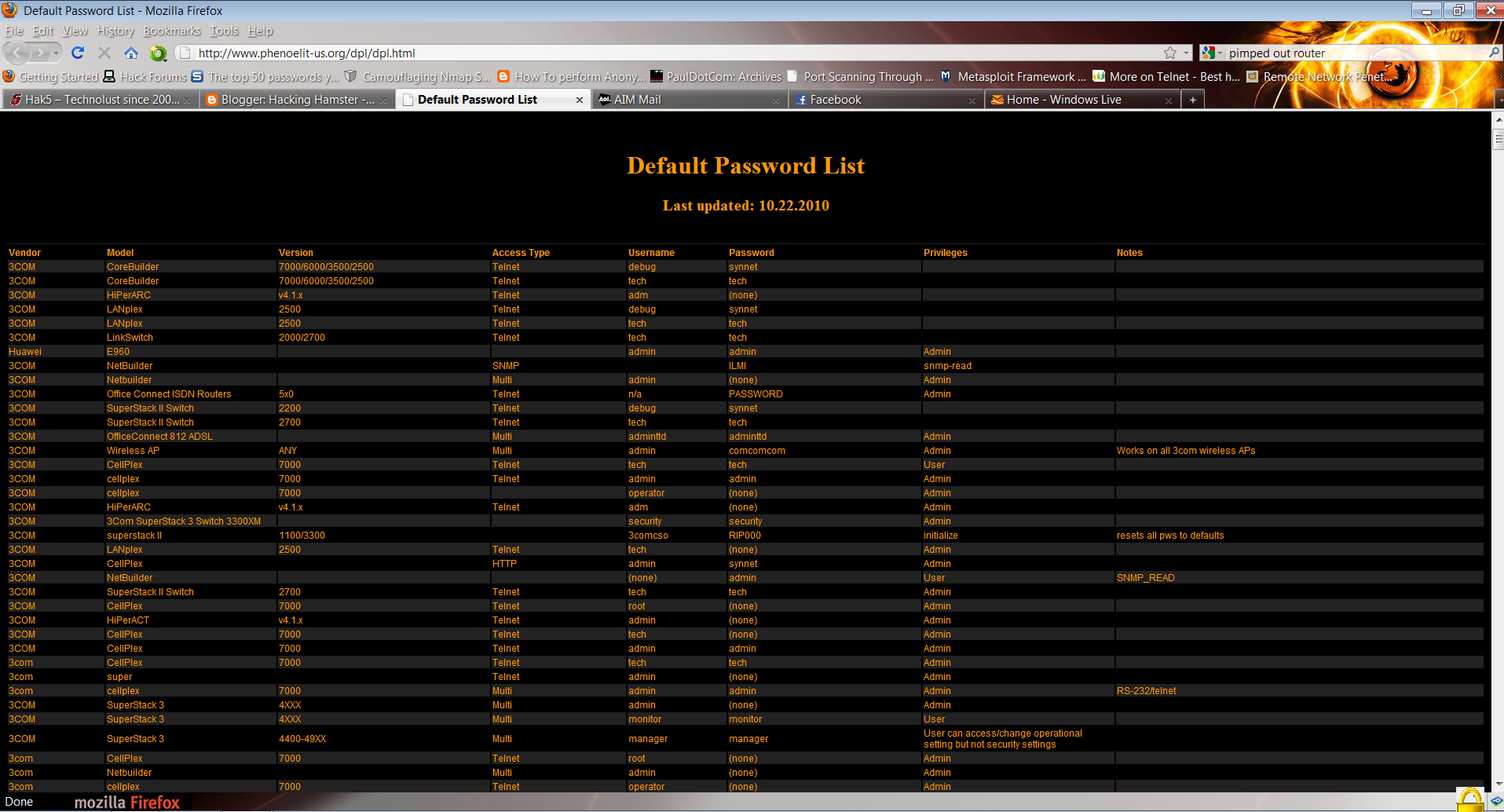
You don’t need an internet connection to access your router, however you need to be connected to the router (wirelessly or by Ethernet cable). In your web browser type the default 192.168.1.1. If it asks you to login and you have never accessed your router settings, chances are you need to log in with the defaults. Try:
- username:
admin/ password:admin - username:
admin/ password:password - username:
admin/ password:password1 - username:
administrator/ password:administrator
Note: this list is ordered from the greatest chance of working to the lowest chance of working. So admin/admin should work. From experience, those who use WEP encryption have never touched their router’s settings.
Securing Your Router
Once you have logged into your router, you MUST change your login and password or else some mischievous devil will hack into your router and screw you over. Now make sure you change some settings on the router:
- Change your wireless encryption to WPA2 (or at the very least WPA)
- Change the default login of the router
- Change your SSID to something other than the default and disable the broadcast of SSID
- Enable MAC address filtering to only allow computers you know to access your router
- Make sure your router’s firewall is on