
InfoSec Institute CTF Writeup
Thanks for checking out my first CTF write up. Please don’t bash on me too hard since I’m still a n00b in this.
Level 1
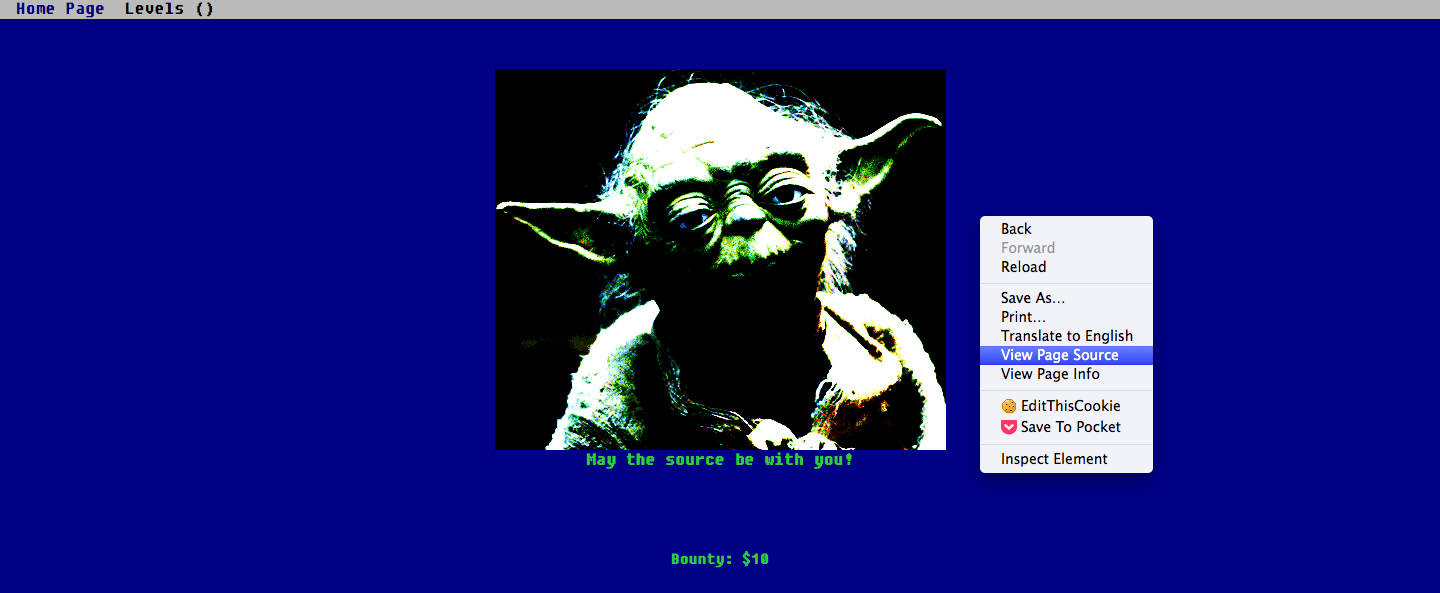
Level 1 says “May the source be with you!”. This hints me to look at the source code. You right click on the webpage and select “View Page Source”. To my surprise, the flag is in the comment on the first of the source code.
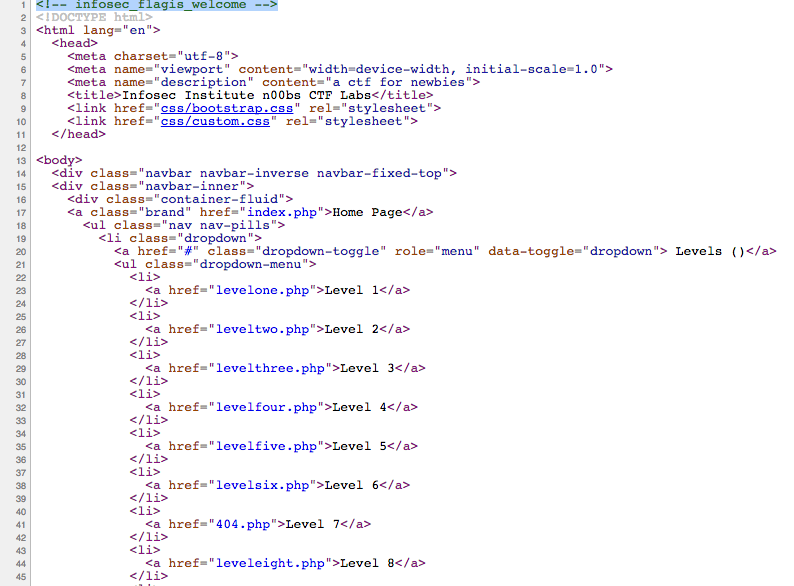
Flag = infosec_flagis_welcome
Level 2
Level 2 shows a JPEG image which shows nothing. My first instinct is to download the image to analyze it.
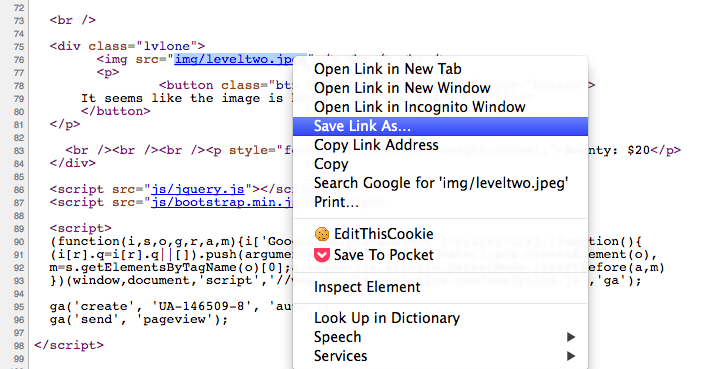
To download the image, I view the source code and find the link to the image. Then right click the link and select “save link as”.
I begin by viewing the contents of the file with the cat command. The output is a string of gibberish but it looks like base64 encryption.
aW5mb3NlY19mbGFnaXNfd2VhcmVqdXN0c3RhcnRpbmc=
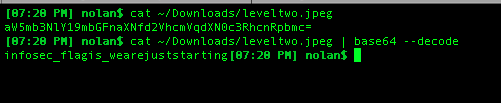
I try base64 decoding the output to see what I get. Voila! The flag is in front of my eyes.
Flag = infosec_flagis_wearejuststarting
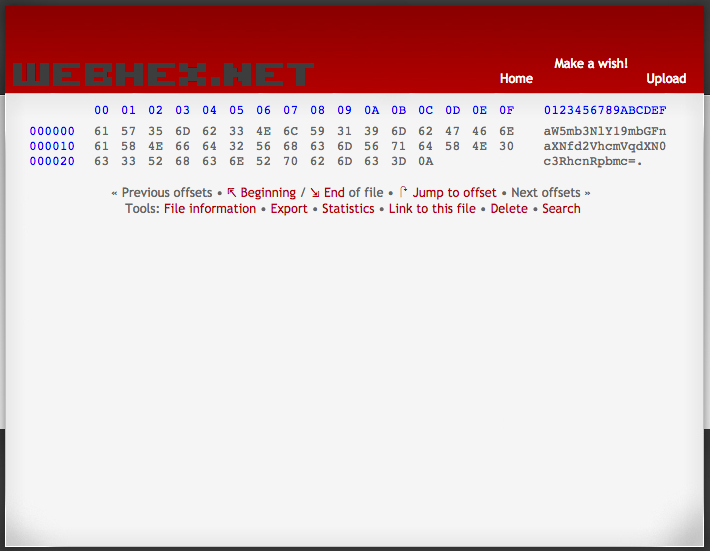
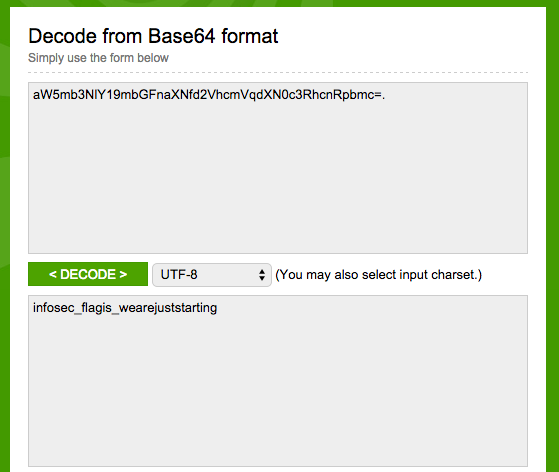
Alternative GUI way: You can use a hex editor to view the contents of the file. After you get the encoded string, you can then use an online base64 tool to decode it to get the flag.
Level 3
Level 3 shows an image of a QR Code. Intuitively, I pull out my Android device and use the default “QR Code Reader”.
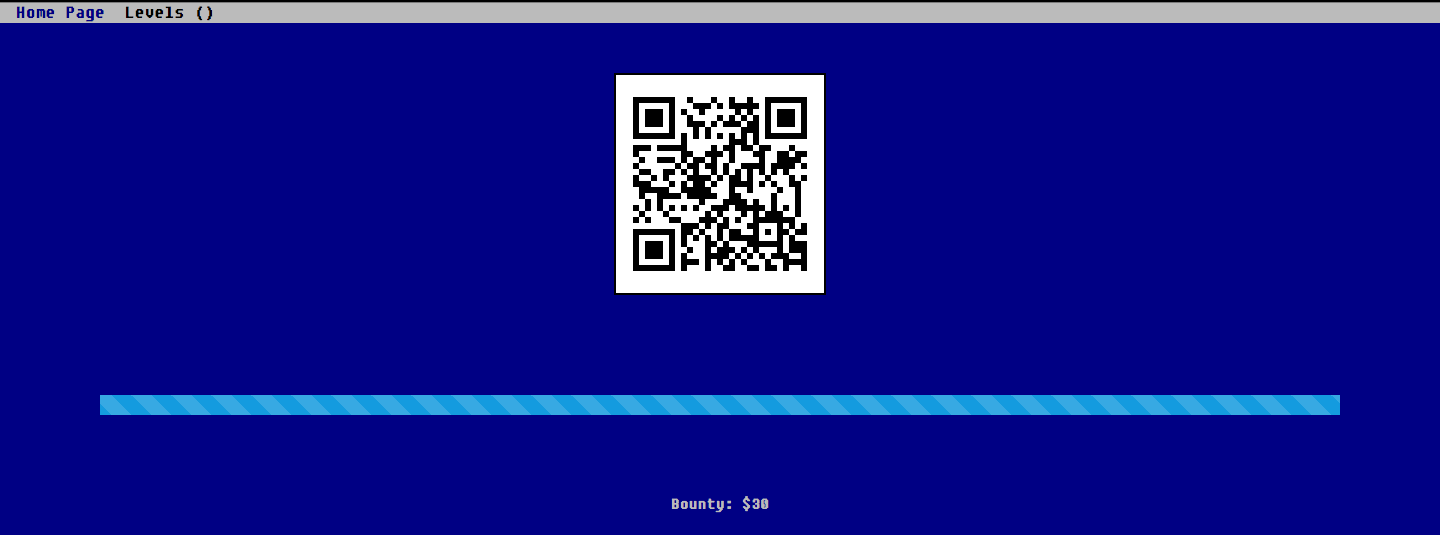
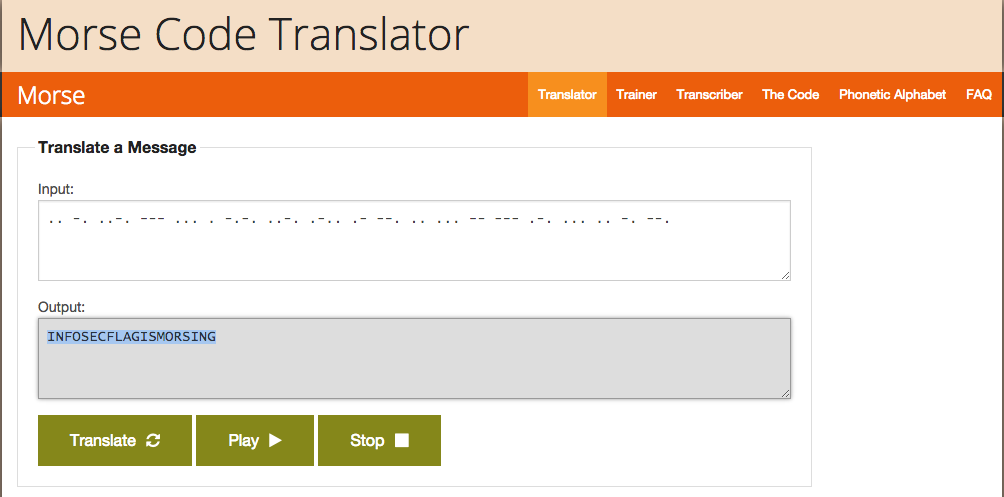
The “QR Code Reader” displays a bunch of dots and lines which you can assume it’s morse code. I copy the morse code and use the first morse code translator on Google to convert the code.
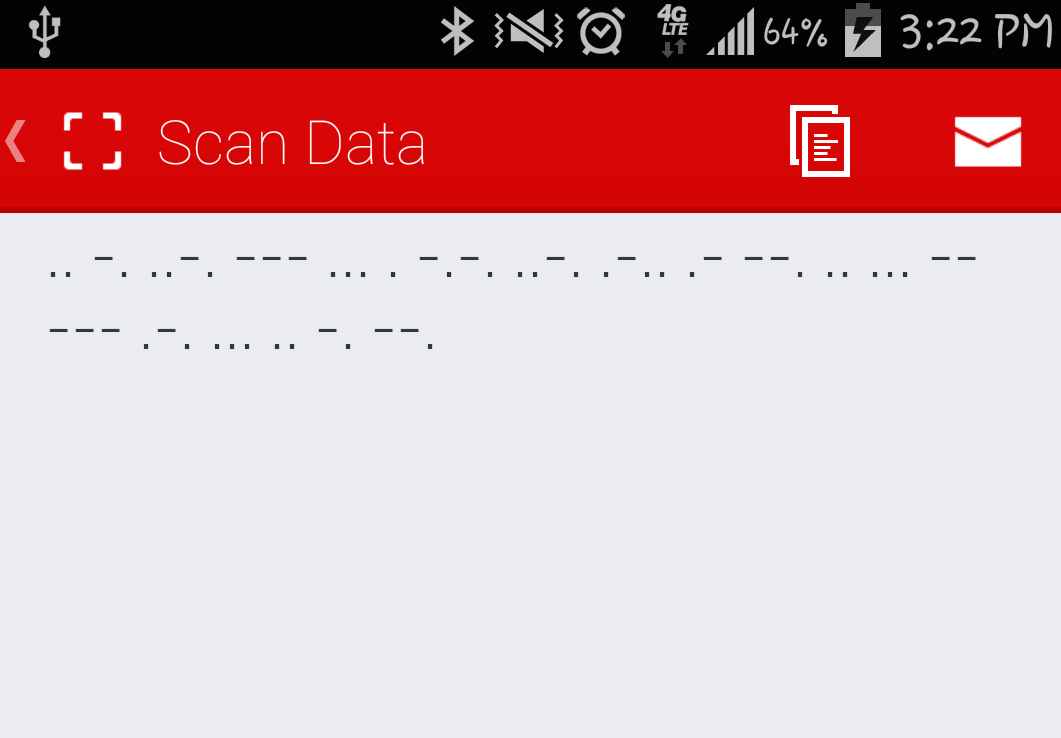
The converted morse code gives us:
Flag = INFOSECFLAGISMORSING
Levels 4-15
This writeup was never completed. The remaining levels were left as placeholders in the original post.